1. App Overview
App name: ExpenseTracker Pro
Tagline: Simplify Your Financial Life
Category: Finance
Elevator pitch: ExpenseTracker Pro is a powerful app that helps individuals and small businesses track, manage, and optimize their expenses effortlessly.
Short description: An intuitive mobile application for real-time expense tracking and financial planning.
Target platform: iOS and Android
Target audience: Individuals and small business owners
Age group: 18-55
Primary user persona: Young professionals seeking to manage their finances.
Core value proposition: Offers a comprehensive overview of financial health through easy expense tracking.
Why users would download it: To gain control over their spending and improve financial literacy.
Why users would continue using it: Continuous insights and recommendations for better financial management.
2. Problem Statement
Real user problem: Difficulty in keeping track of daily expenses and budgets.
Who experiences it: Individuals and small business owners.
Why it matters: Poor financial tracking can lead to overspending and debt.
Current ways users solve it: Manual tracking through spreadsheets or paper.
Problems with existing solutions: Time-consuming and prone to errors.
Consequences of leaving the problem unsolved: Increased financial stress and potential financial instability.
3. Solution
How the app solves the problem: By providing an automated expense tracking system with visual insights.
Core workflow: Users log expenses, categorize them, and review analytics.
Main features: Expense logging, categorization, insights dashboard, and budget planning.
Unique features: Smart categorization with AI support for recurring expenses.
Automation opportunities: Automatic bank sync and expense categorization.
Personalization: Customizable categories and budget settings.
Main product advantage: Easy-to-use interface that simplifies financial management.
4. Target Users & Personas
Persona 1: Arjun
- Name: Arjun Patel
- Age: 26
- Occupation: IT Professional
- Background: Recent college graduate managing his first job salary.
- Goals: Save for a future home and manage current expenses.
- Problems: Confusion over where his money goes each month.
- Technology habits: Regular use of mobile apps for personal finance.
- Why they would use the app: To visualize spending and budget better.
- Adoption barrier: Preference for traditional methods (spreadsheets).
- Most important feature: Insights dashboard.
Persona 2: Neha
- Name: Neha Verma
- Age: 34
- Occupation: Small Business Owner
- Background: Owns a small boutique and needs to track both personal and business expenses.
- Goals: Optimize cash flow and reduce unnecessary expenditures.
- Problems: Manual tracking is tedious and prone to errors.
- Technology habits: Uses various apps for business management.
- Why they would use the app: To have a consolidated view of finances.
- Adoption barrier: Learning curve with new technology.
- Most important feature: Smart categorization.
5. Core Features
MVP Features
- Expense logging – manual entry of expenses.
- Category management – create and edit categories.
- Insights dashboard – visualize spending.
- Budget planning – set monthly budgets.
Version 1.1 Features
- Automatic bank sync – link bank accounts for transaction tracking.
- Recurring expense tracking – automated logging of regular expenses.
Future Features
- Expense prediction – AI-driven forecasts based on spending habits.
- Tax preparation tools – assistance with tax-related expenses.
6. App Screen Flow
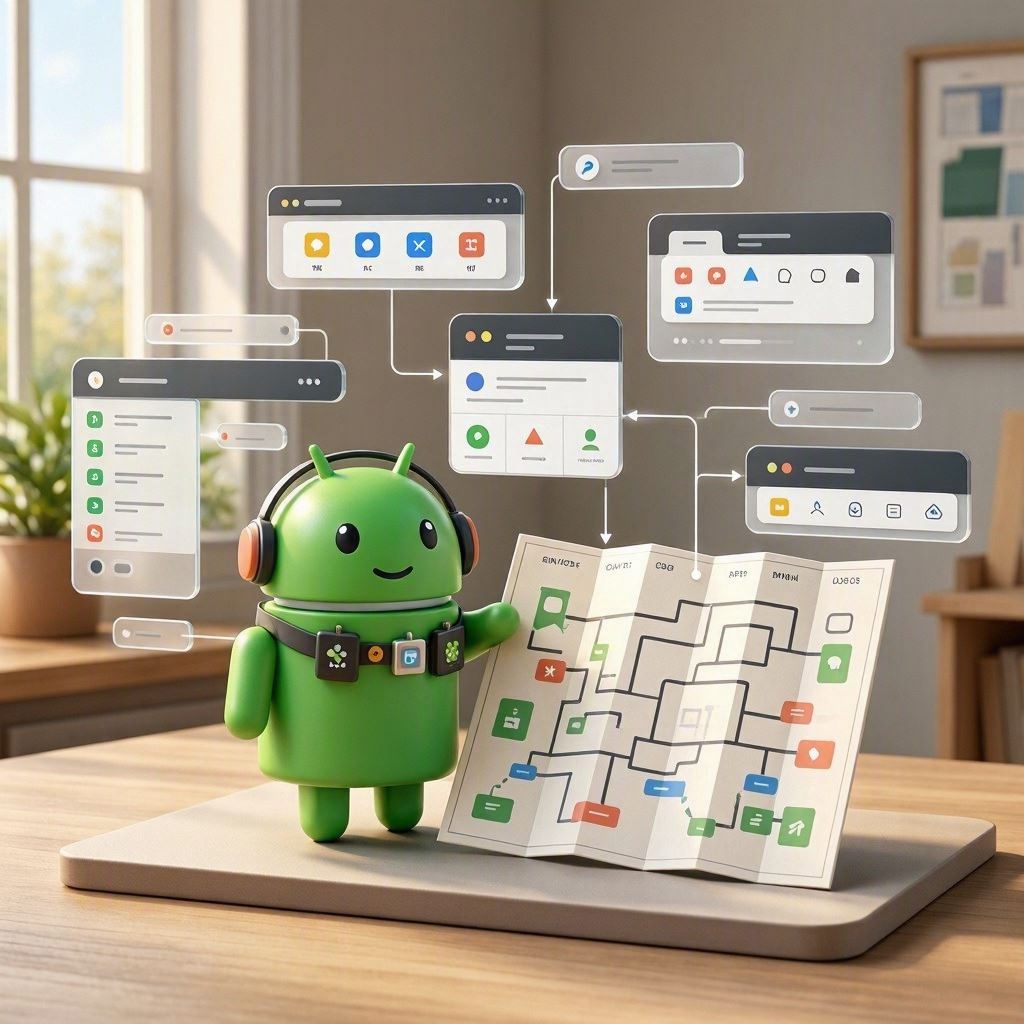
Splash → Onboarding → Login/Signup → Expense Logging → Insights Dashboard → Budget Planning → Profile
Splash → Onboarding → Login → Home → Log Expense → View Insights → Set Budget
7. UI/UX Design Direction
Design style: Clean and modern
Visual personality: Friendly and approachable
Primary color: #5A9BD5
Secondary color: #F7F7F7
Accent color: #FF6F61
Background color: #FFFFFF
Surface/card color: #EFEFEF
Primary text color: #333333
Secondary text color: #777777
Success color: #28A745
Warning color: #FFC107
Error color: #DC3545
Recommended font: Lato
Heading typography: Bold
Body typography: Regular
Button style: Rounded buttons with shadow
Card style: Soft background with elevated shadow
Border radius: 10px
Icon style: Colorful and flat
Illustration style: Playful illustrations that convey finance concepts.
Shadow style: Subtle shadows for depth.
Spacing: Generous whitespace for clarity.
Navigation: Tab bar for easy access.
Dark mode: Yes, with adjusted color contrasts.
This design caters to financial users who prefer simplicity and ease of use.
8. Individual Screen UI Concepts
Splash Screen
Features app logo and tagline, minimalistic approach.
Login Screen
Input fields for user credentials, clear options for sign-up.
Expense Logging Screen
Form layout for entering expenses with category dropdowns.
Insights Dashboard Screen
Visual layout with graphs and charts representing spending habits.
Budget Planning Screen
Interactive sliders for setting budget limits with prompts for recommendations.
9. Developer / Technology Recommendation
Frontend technology: Flutter for a unified look across platforms.
Backend technology: Django for robust backend capabilities.
Database: PostgreSQL for structured data storage.
Authentication: Firebase Auth for secure authentication.
Required APIs: Banking APIs for seamless transaction tracking.
Hosting: Heroku for easy deployment.
Storage: AWS S3 for file storage.
Analytics: Mixpanel for detailed user analytics.
Notifications: OneSignal for push notifications.
Payment technology: PayPal for potential in-app transactions.
10. Technical Architecture
Frontend: Flutter application
API: RESTful API for data handling
Authentication: OAuth 2.0
Backend: Django server
Database: PostgreSQL
External APIs: Banking APIs for finance integration
Storage: AWS S3 for document storage
Notifications: OneSignal for user engagement
Payments: PayPal for online transactions
Security: Encrypted connections for secure data
Client API Backend Database
11. Database Design
Users: Stores user data and preferences. Key fields: userId, name, email, password. Relationships: one-to-many with expenses.
Expenses: Contains expense entries. Key fields: expenseId, amount, category, date. Relationships: many-to-one with users.
Budgets: Stores budget limits. Key fields: budgetId, category, amount. Relationships: many-to-one with users.
12. Monetization
Freemium model with premium features like bank syncing for $5/month. Free basic version allows logging and insights, Pro version includes advanced features.
13. MVP Development Plan
Phase 1 – Research
Market analysis and user interviews.
Phase 2 – UI/UX
Design wireframes and interactive prototypes.
Phase 3 – Backend
Set up Django server and PostgreSQL database.
Phase 4 – Frontend
Develop the Flutter application interface.
Phase 5 – Integration
Connect frontend with backend APIs.
Phase 6 – Testing
Conduct usability testing and fix bugs.
Phase 7 – Beta Launch
Release beta version to select users.
Phase 8 – Public Launch
Official launch with marketing campaigns.
14. Developer Task Breakdown
Frontend
- P0: Build core UI components
- P1: Integrate with backend
Backend
- P0: Create RESTful API
- P1: Implement user authentication
Database
- P0: Set up user and expenses tables
APIs
- P1: Integrate banking APIs
AI
- P2: Develop basic financial insights
UI/UX
- P0: Create user journey maps
QA
- P0: Test functionality and user experience
DevOps
- P1: Configure CI/CD pipelines
15. Development Estimate
MVP complexity: High
Number of major screens: 6
Development team: 4-5 members
Timeline: 5-7 months
Main technical challenge: Integrating real-time banking APIs.